01
Express
Fast, affordable extraction for high-volume standard documents.
$0.02per page
- Ideal for simple receipts and standard invoice formats
- QuickBooks Online sync included
- Structured data through the same API

DOC VISION /
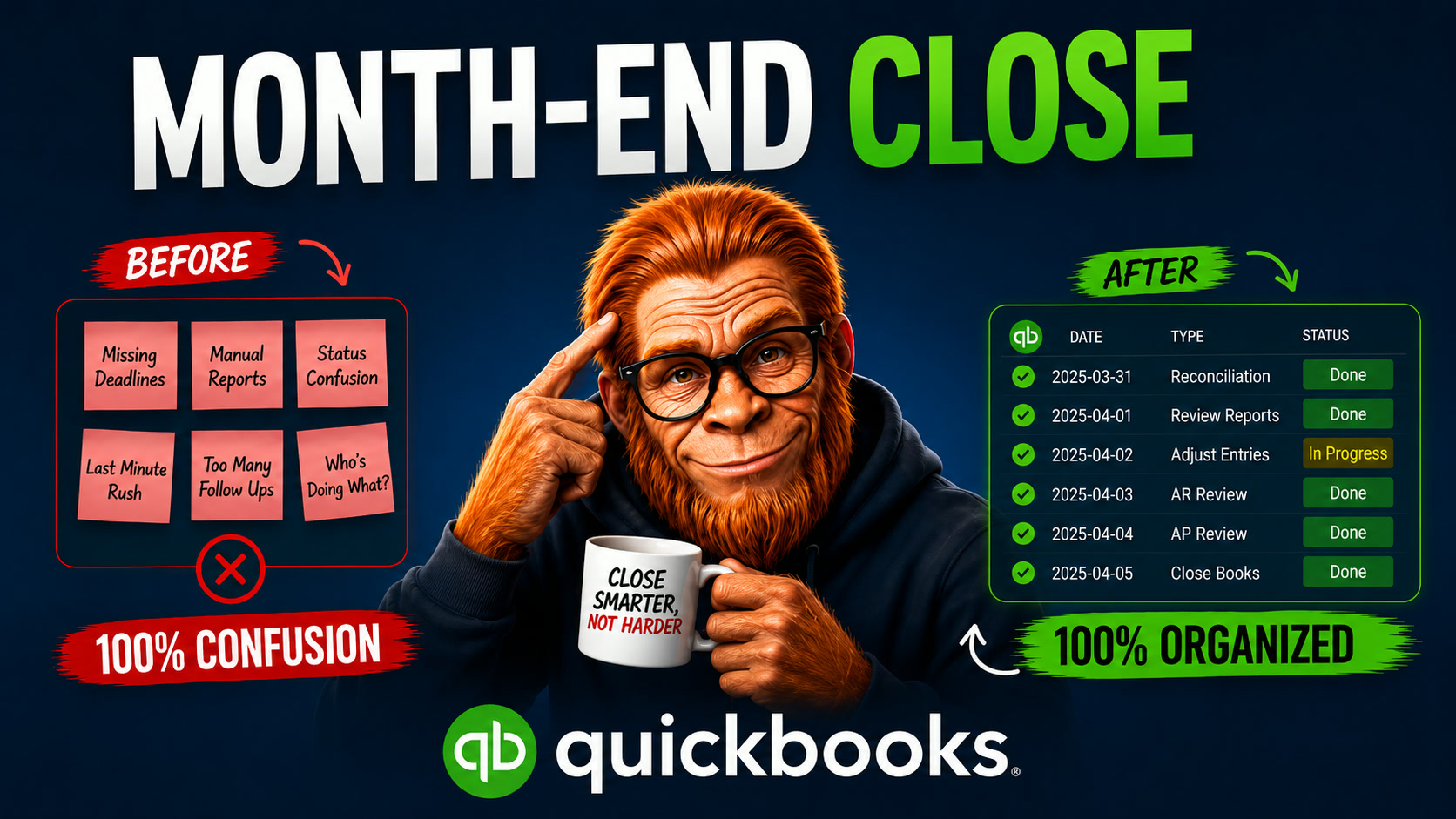
DocVision uses AI to extract data from invoices, receipts, bills, and financial documents, then syncs the structured information directly into QuickBooks Online.
Stop typing in vendors, amounts, dates, taxes, and line items by hand. Upload a document, review the extracted data, and push it to QuickBooks in one click.
Secure Intuit OAuth || AI Data Extraction || One-Click Sync to QuickBooks
01 / HOW IT WORKS

STEP 1
Drag and drop invoices, bills, and receipts into DocVision - PDFs, photos, or scans. No templates or manual setup required.

STEP 2
The AI reads each document and extracts the vendor, amount, date, taxes, and line items - turning every file into structured, accounting-ready data.

STEP 3
Check the extracted fields before anything leaves DocVision. Edit values, fix categories, and confirm the data is correct.

STEP 4
Push approved records straight into QuickBooks Online as bills, expenses, and vendors - no copy-paste, no double entry.
02 / QUICKBOOKS INTEGRATION
DocVision connects to QuickBooks Online using Intuit OAuth. Once connected, your extracted document data flows into the workflows you already use every day.
Turn vendor invoices into QuickBooks bills automatically, with amounts, due dates, and line items mapped for you.
Convert receipts and purchase documents into categorized expenses, ready to post to the right account.
DocVision recognizes vendors from your documents and matches or creates the corresponding QuickBooks vendor records.
Snap a photo or upload a scan - DocVision reads the merchant, total, tax, and date with no manual typing.
Extract structured header and line-item data from any invoice layout, including multi-page and multi-currency documents.
Connecting is handled entirely through Intuit's secure OAuth flow. DocVision never sees or stores your QuickBooks password.
03 / PRICING
You pay per document page processed - no monthly minimums. QuickBooks Online sync is included with every plan. A free trial with starter credits is available, no credit card required.
01
Fast, affordable extraction for high-volume standard documents.
02
Maximum accuracy for complex, multi-page financial documents.
Need volume or enterprise pricing? Contact us.
04 / FAQs